Visual Demo / Members Management

A small system for members, statuses, renewals, and manual tracking

A sample management tool for a business, community, class, course, or membership-based service: dashboard, member list, manual payment tracking, renewal dates, and member profile.

This is a static demo only. There is no backend, no data collection, and no billing or payment processing.

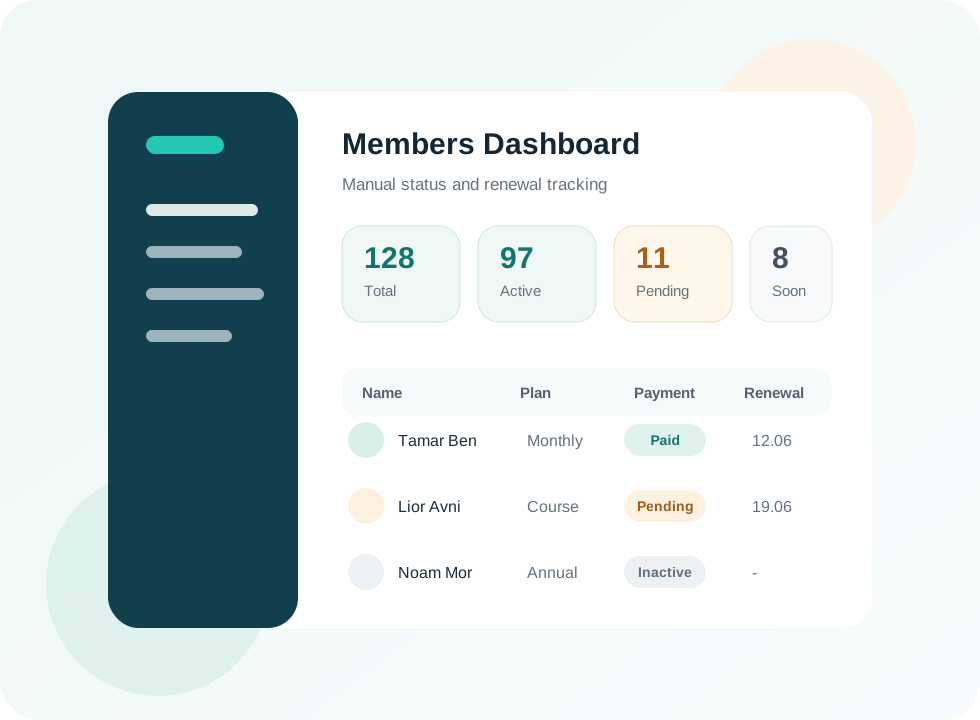
Members management dashboard mockup with statuses and renewal tracking
Dashboard

A quick view of what needs attention

The first screen highlights pending manual payments, upcoming renewals, and inactive members.

Management Snapshot

128Total members
97Active
11Pending payments
8Expiring soon
NameStatusPlanPaymentRenewalNote
Tamar BenActiveMonthlyManually paid12.06.2026Send update
Lior AvniWaitingCoursePending19.06.2026Check payment
Noam MorInactiveAnnualNot relevant-Closed

Who it fits

Businesses and services that need to know who is active, who needs renewal, and who requires manual follow-up.

  • Studio, class, paid course, or community.
  • Business with members or recurring customers.
  • Manual payment tracking without payment processing inside the system.
  • Notes, dates, and support status in one place.
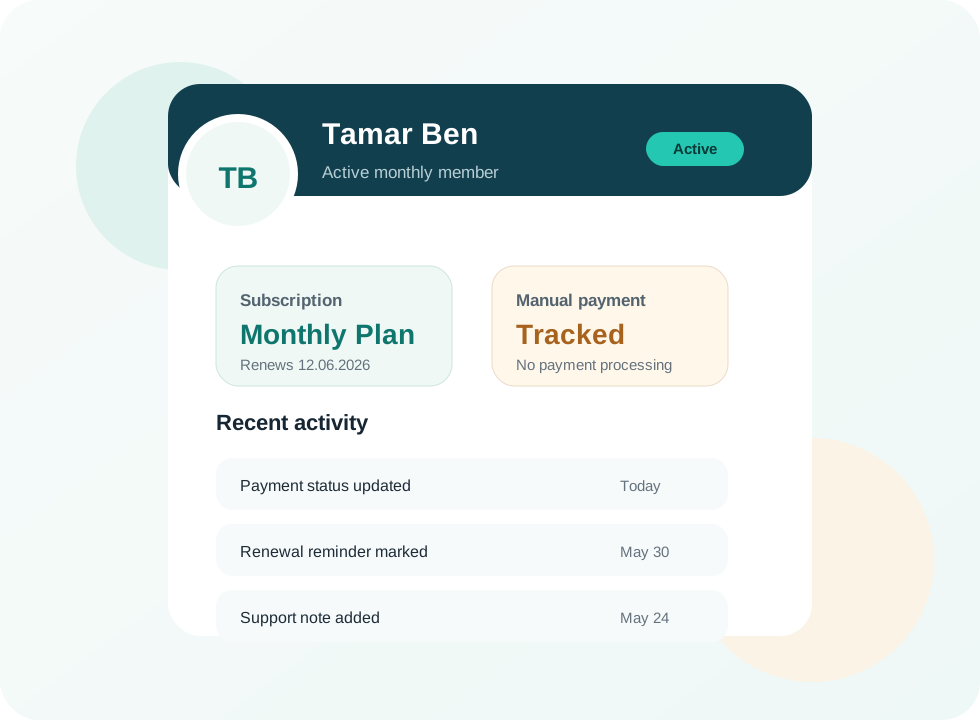
Member profile mockup with status, manual payment history, and notes
Member Profile

One card for each member

A profile screen keeps operational details out of scattered messages and spreadsheets.

  • Personal detailsName, phone, email, and contact notes
  • Subscription statusActive, waiting, or inactive
  • Payment trackingManual status and update date
  • HistoryRecent actions and team notes
What Can Be Included

A focused system tailored to the business workflow

The focus is operational clarity, not a heavy platform.

Admin Dashboard

Total members, active members, pending payments, and renewals.

Member List

Search, filters, statuses, and contact details.

Manual Tracking

Payment status, notes, renewal date, and action history.

Mobile Admin

Simple screens that can work from a phone when needed.

Need order around members or customers?

Start with one clear management screen and expand only when the workflow proves it needs more.